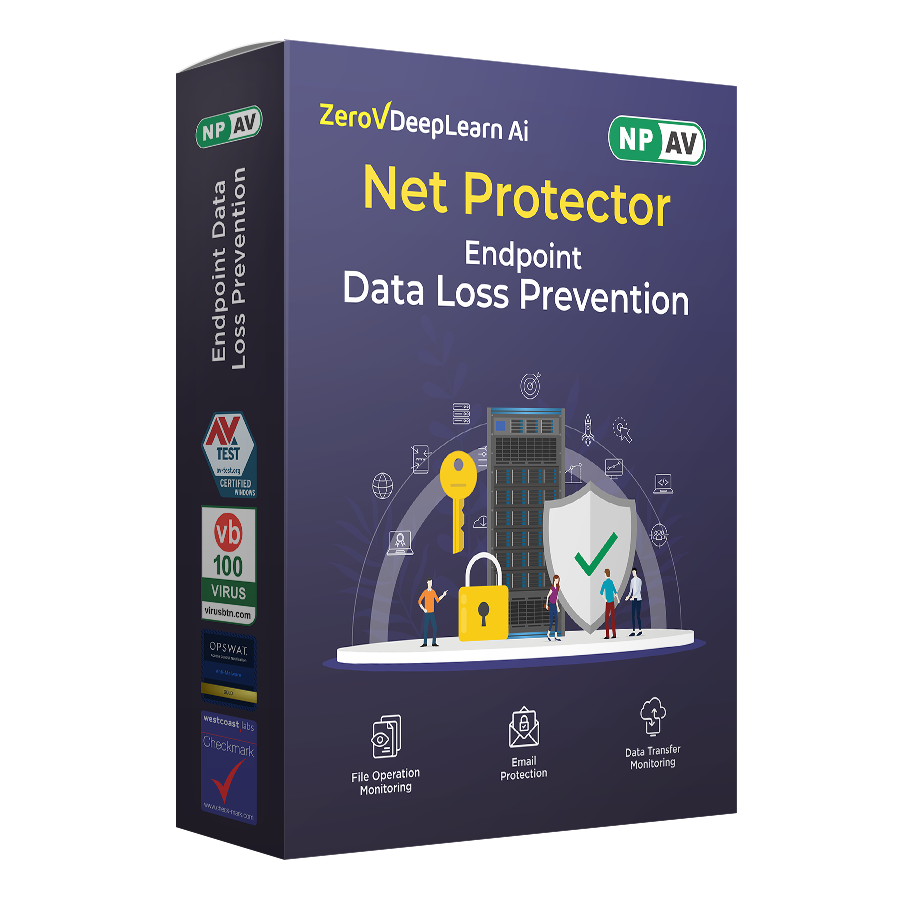

Data Loss Prevention
NPAV Endpoint Data Loss Prevention (DLP) is an advanced security solution designed to safeguard sensitive information by monitoring, detecting, and preventing unauthorized access, sharing, or transfer of data.
With real-time tracking and robust control mechanisms, NPAV Endpoint DLP ensures comprehensive data protection across diverse environments, including endpoint devices, cloud-based platforms, and on-premises systems.
-
 Email Protection
-
 Download Monitoring
-
 Notification Alerts
-
 Screenshot Facility
-
 Device Control
-
 Sensitive Data Scanning
Features of Data Loss Prevention

Browser Monitoring
Real-Time Monitoring :
Browser Monitoring in NPAV Endpoint DLP provides comprehensive oversight of all web-based activities to prevent data exposure through online channels. This feature tracks user interactions within supported web browsers, ensuring that sensitive data is not uploaded, shared, copied, or transferred through unauthorized websites.
Upload Restrictions :
Enforces security policies to block and report any unauthorized attempts to upload sensitive data to restricted or unapproved websites.
Screenshot Capture :
Automatically captures screenshots during suspicious browser activity, especially when users attempt to share or transfer files, helping in audit, analysis, and incident investigations.
Activity Logging :
Maintains detailed logs of all browser-based actions, including website visits, file transfer attempts, form submissions, and policy violations, providing a comprehensive audit trail for monitoring and investigation
Email Protection
Restricted Email Access :
Ensures that sensitive content and attachments are only sent through authorized email platforms (e.g....
Restricted Email Access :
Ensures that sensitive content and attachments are only sent through authorized email platforms (e.g., Outlook) and to permitted recipients, preventing unauthorized distribution or data leakage.
Email Protection:
Email Protection in NPAV Endpoint DLP safeguards sensitive information shared through email channels. It monitors outgoing messages, scans attachments, and applies security policies to prevent unauthorized transmission of confidential data. By controlling how and where sensitive content is sent, it ensures compliance with organizational security standards and reduces the risk of data leakage.
Download Monitoring
Download Monitoring :
Monitors and controls all file downloads from web browsers, email clients, and external applications to p...
Download Monitoring :
Monitors and controls all file downloads from web browsers, email clients, and external applications to prevent unauthorized retrieval of sensitive or restricted data. It detects potentially harmful or unapproved downloads, enforces policy-based restrictions, and logs all download activities for compliance and security auditing.
File Control:
Tracks and restricts the download of specific file types—such as executables, compressed files, and sensitive documents—to prevent unauthorized access, data exposure, or the introduction of unapproved content into the system.
Notification Alerts
Interactive Alerts :
Sends real-time notifications and warnings to users when unauthorized data access or transfer is detected,...
Interactive Alerts :
Sends real-time notifications and warnings to users when unauthorized data access or transfer is detected, enabling immediate corrective action and reinforcing compliance with security policies.
Screenshot Facility
Screenshot Facility :
Automatically captures screenshots of user activity, especially during suspicious or policy-violating act...
Screenshot Facility :
Automatically captures screenshots of user activity, especially during suspicious or policy-violating actions, such as unauthorized file transfers, browser activity, or data access attempts. These screenshots provide visual evidence for audits, investigations, and compliance reporting.
Image Capture :
Automatically captures and logs screenshots whenever sensitive data is being uploaded, providing visual evidence of suspicious or policy-violating activity for auditing and investigation purposes.
Device Control
Device Control :
Device Control in NPAV Endpoint DLP manages and restricts the use of external devices such as USBS and printer...
Device Control :
Device Control in NPAV Endpoint DLP manages and restricts the use of external devices such as USBS and printers, to prevent data leaks. By enforcing access policies, it prevents unauthorized copying, transfer, or removal of sensitive data, ensuring endpoint security and compliance with organizational data protection policies.
Peripheral Control :
Monitors and manages access to peripheral devices, including USB drives, printers, and other external hardware, to prevent unauthorized data transfers and reduce the risk of data leaks.
Sensitive Data Scanning
Data Protection :
Scans for sensitive information—such as credit card details, personal identifiers, and financial data—to ...
Data Protection :
Scans for sensitive information—such as credit card details, personal identifiers, and financial data—to ensure protection against unauthorized access, sharing, or breaches.

Drive Monitoring
Drive Monitoring :
Drive Monitoring continuously oversees all activities on local and external drives to prevent unauthorized a...
Drive Monitoring :
Drive Monitoring continuously oversees all activities on local and external drives to prevent unauthorized access, copying, or transfer of sensitive data. It tracks file operations such as deletion, and movement, ensuring compliance with data protection policies and providing a detailed audit trail for security and investigation purposes.
Comprehensive Tracking :
Monitors and controls data stored on and transferred across local drives, removable devices, and network drives, ensuring protection against unauthorized access and data leakage.

Folder Lock Protection
Customizable Security :
Provides flexible security options to lock and protect files and folders according to organizational re...
Customizable Security :
Provides flexible security options to lock and protect files and folders according to organizational requirements, ensuring that sensitive data remains secure from unauthorized access or modification.

Data Classification
File Classification:
Identifies, categorizes, and labels files based on their content, sensitivity, or regulatory requirements.<...
File Classification:
Identifies, categorizes, and labels files based on their content, sensitivity, or regulatory requirements.
Key Features:
- Automatic Classification: Uses content analysis, keywords, or metadata to categorize files.
- Manual Tagging: Allows users or administrators to assign classifications to files as needed.

Print-Screen Blocking
Print-Screen Blocking:
Prevents users from capturing screenshots of sensitive information.
This feature restricts the use o...
Print-Screen Blocking:
Prevents users from capturing screenshots of sensitive information.
This feature restricts the use of the print-screen function to protect confidential data.
Note: “The print-screen action is blocked to prevent unauthorized screenshot capture.”

Printer Activity
Printer Activity:
Monitors and logs all printer-related actions to prevent unauthorized printing of sensitive data.
Tracks ...
Printer Activity:
Monitors and logs all printer-related actions to prevent unauthorized printing of sensitive data.
Tracks all printing activities for enhanced data security.
Logs printer usage to detect and prevent data leakage through printed documents.

Bluetooth File Transfer
Bluetooth File Transfer:
Monitors and restricts Bluetooth file transfer to prevent unauthorized data sharing.
Note: ...
Bluetooth File Transfer:
Monitors and restricts Bluetooth file transfer to prevent unauthorized data sharing.
Note: “Prevents unauthorized data exchange through Bluetooth connectivity.”

Watermark Printing
Watermark Printing is a security printing feature used in NPAV documents to prevent duplication and unauthorized reproduction. The watermark...
Watermark Printing is a security printing feature used in NPAV documents to prevent duplication and unauthorized reproduction. The watermark is subtly embedded into the paper or print background and becomes visible under light or on close inspection. This enhances document authenticity, durability, and protection against counterfeiting
Technical Information
Certifications & Independent Testing
 AV-TEST Advanced Certified
 AV-TEST Approved Endpoint Protection Advanced
 AV-TEST Top Product (Corporate Endpoint Protection)
 VB100 Award (Virus Bulletin)
 OPSWAT Gold Certified
 Checkmark Certified (Westcoast Labs)
Users protected and counting
Trusted by millions of customers and backed by decades of experience — a proven track record of keeping people safer every day.
Discover internationally certified products
Join thousands of customers who trust our secure, market-leading products.
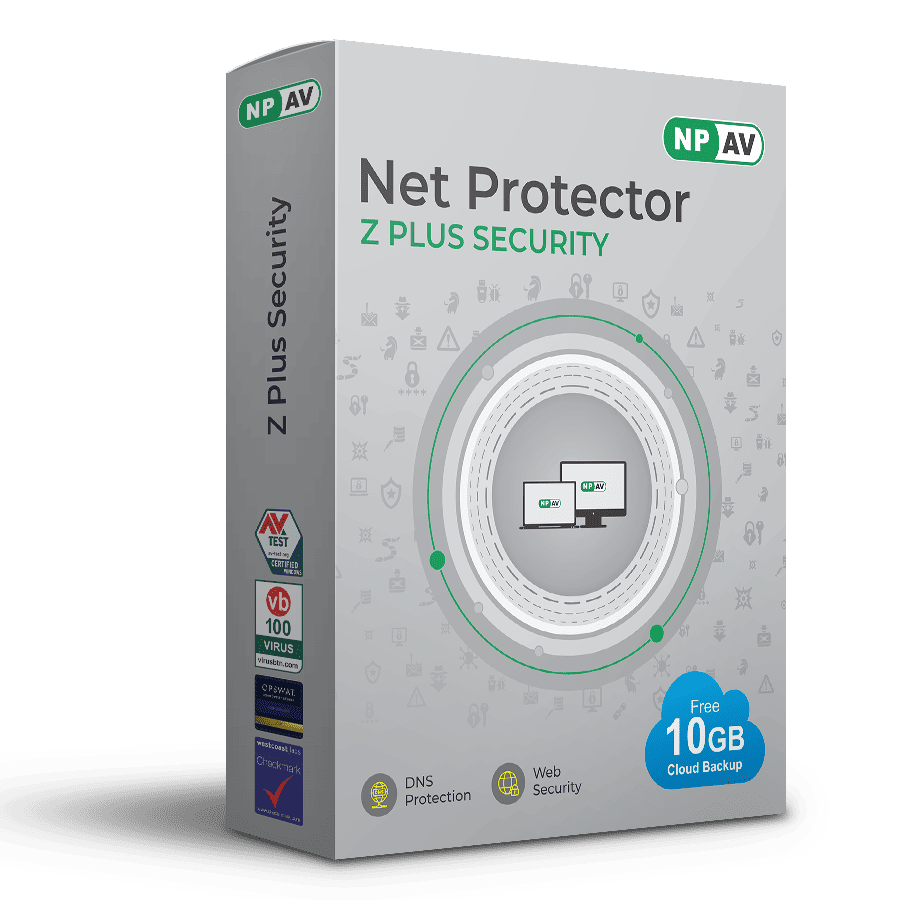
Z Plus Security
Z Plus Security delivers world class protection, to keep your digital life safe—whether you’re an individual or a business.
₹1995.00
MRP ₹3850.00
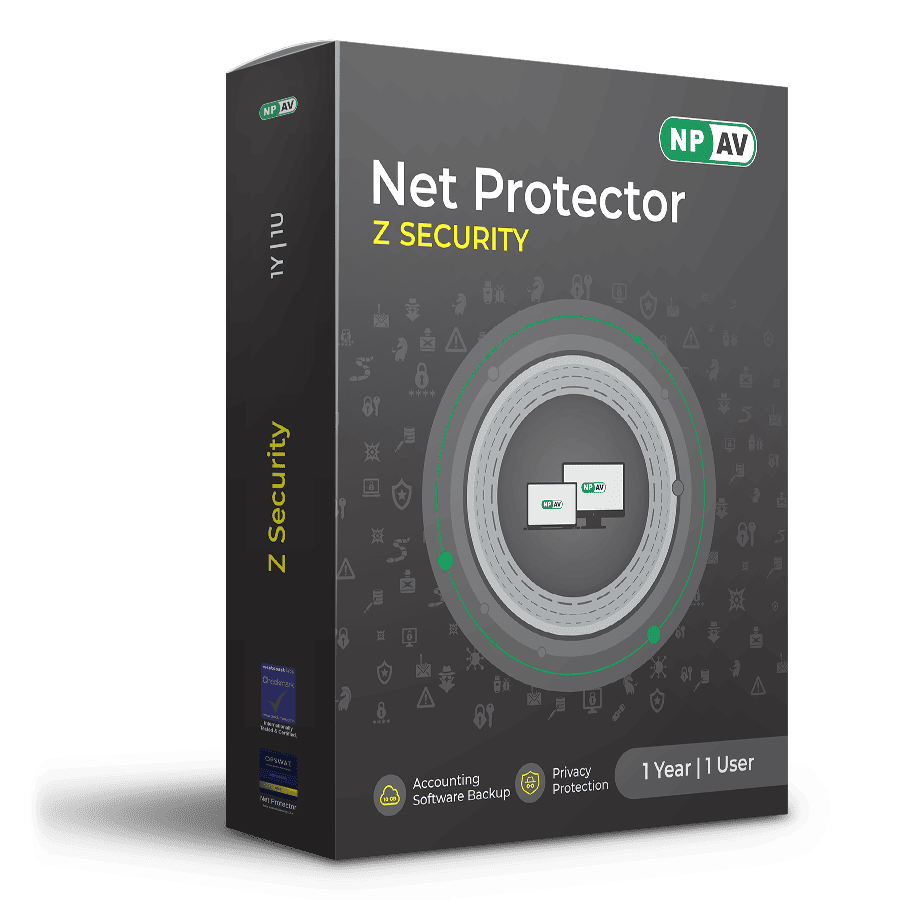
Z Security Built-in 10GB Secure Cloud
Protect your data with Z-Security’s advanced multi-layer defense against viruses, trojans, spyware, & more.
₹1500.00
MRP ₹2950.00
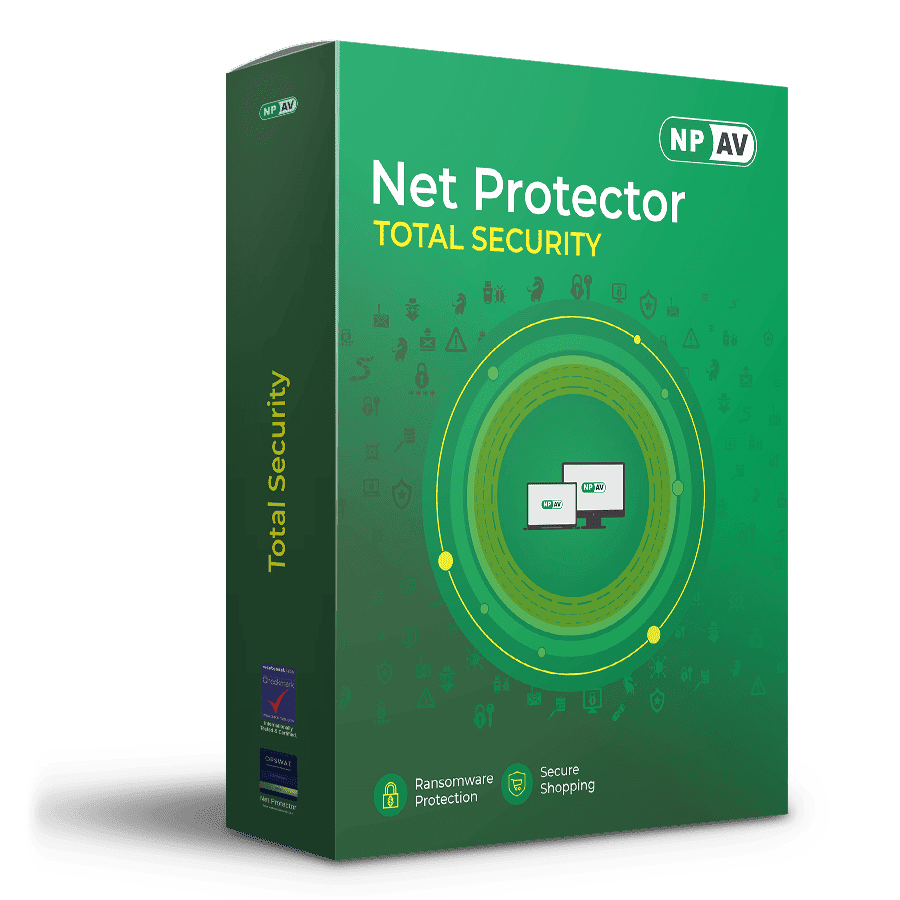
Total Security
Real-time protection for your PC & data
₹750.00
MRP ₹1450.00
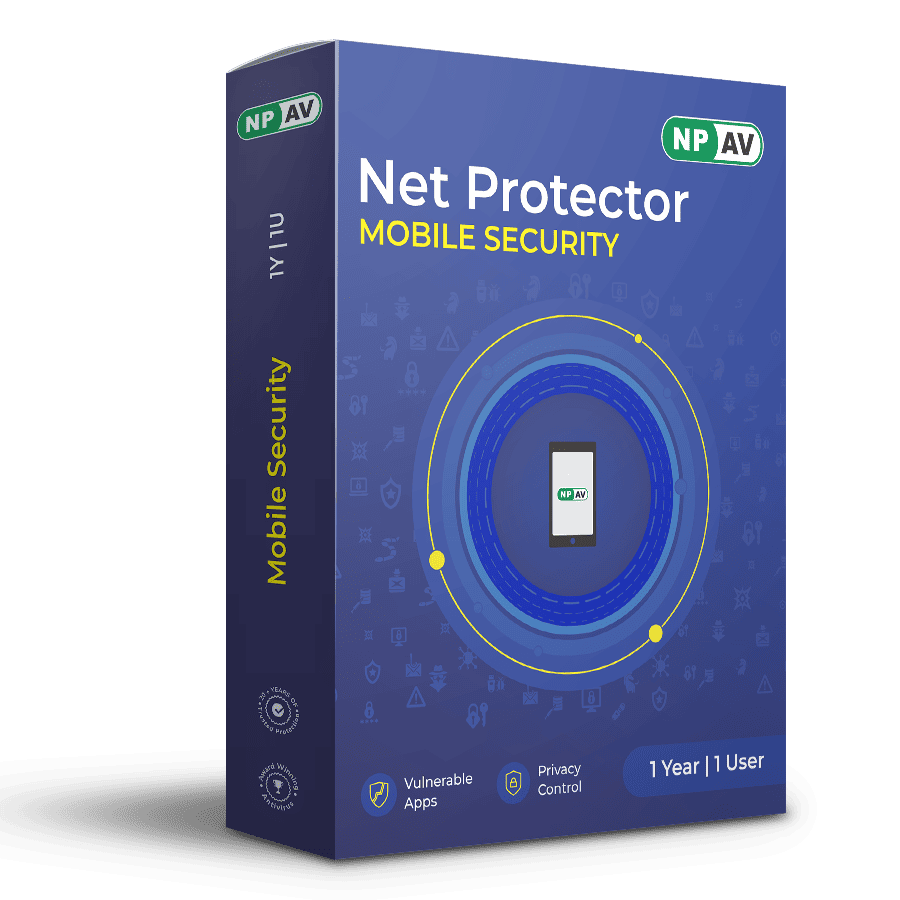
Mobile Security Android
Protectes Android devices from online threats—fast, smart, & reliable.
₹550.00
MRP ₹1050.00
