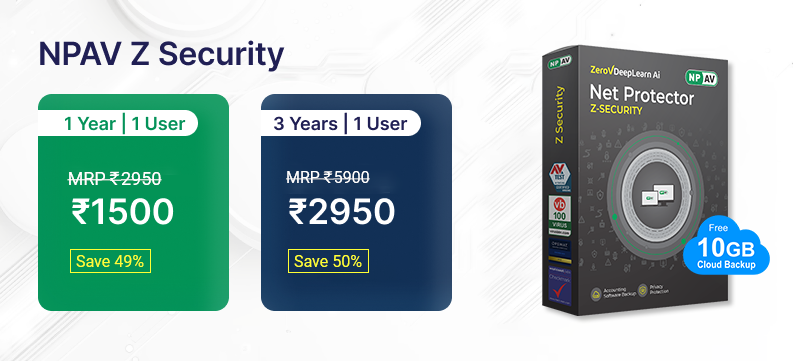
Renew or Upgrade Your NPAV


Renew Your License
Enter your existing license key to check renewal eligibility.
How It Works
What happens after you verify your key.
Support Hours
Frequently Asked Questions
Everything you need to know about renewing your NPAV license.
Your 12-character license key is in your NPAV Dashboard under License Info, in your order confirmation email, or on the box/invoice if you bought a retail copy.
You can still renew with your old key — after verification, install NPAV on your new PC and activate it with the renewed key.
Double-check you've entered all 12 characters correctly. If it's still not accepted, use "Find your old license key" above or contact support via WhatsApp/Call.
Yes — you can renew an expired license at any time. Verify your key above to see your available renewal plans.
Offer